Mac, iPhone and Android
Meeting transcripts. Word for word.
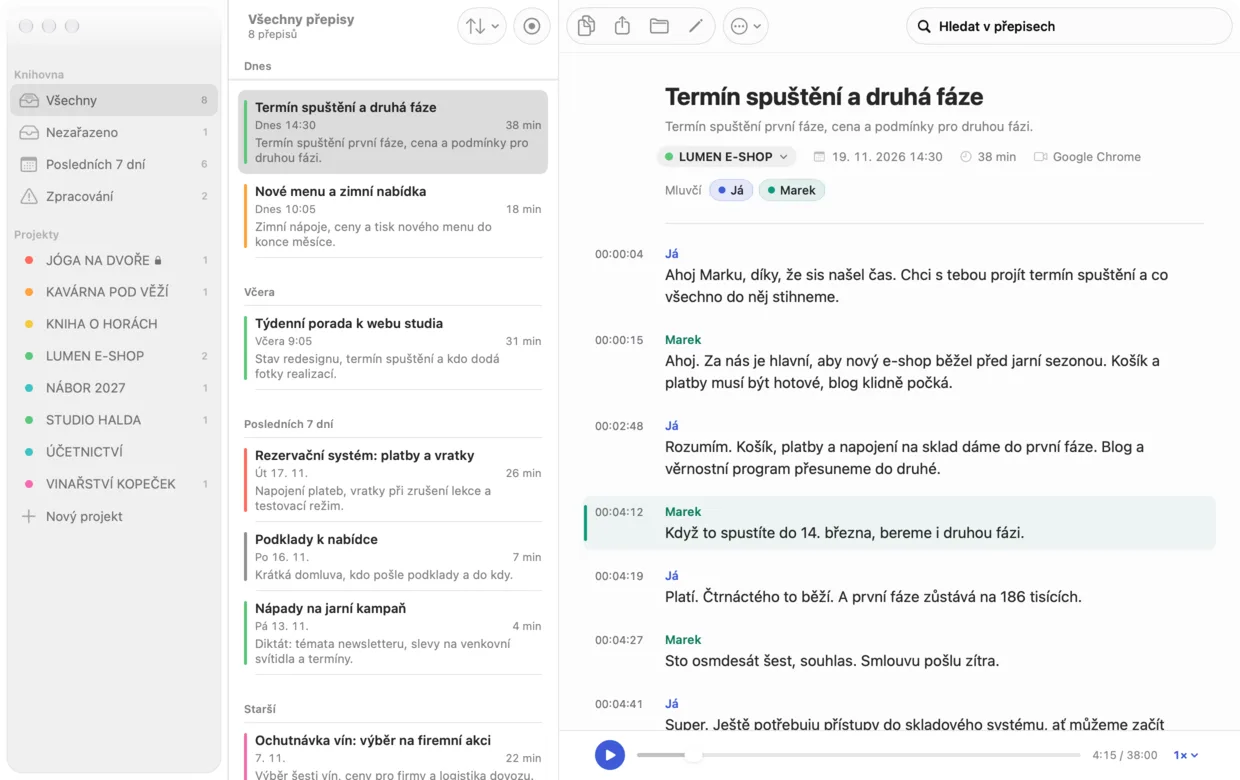
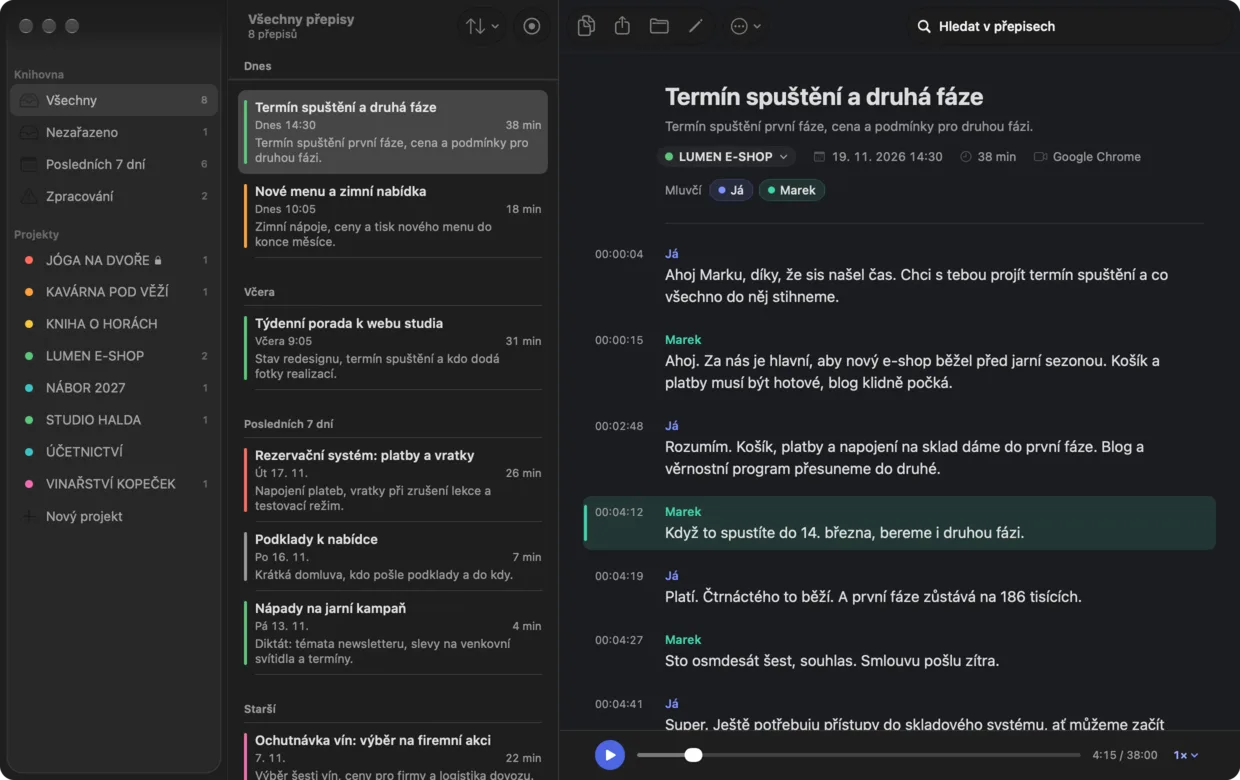
Record online meetings on your Mac and face-to-face conversations on your phone. Find the exact words and when they were said in the transcript.
No bot joins the meeting. The audio stays on your Mac.
On Mac: Czech only for now. English is planned.


Meetings it recognises
 Google Meet
 Zoom
 Microsoft Teams
 FaceTime
 WhatsApp
 Slack
How it works

What you can do without
Nothing extra
No device to carry around and charge, and no bot joining the meeting. Mlaud is just an app on your Mac.
Nothing to remember
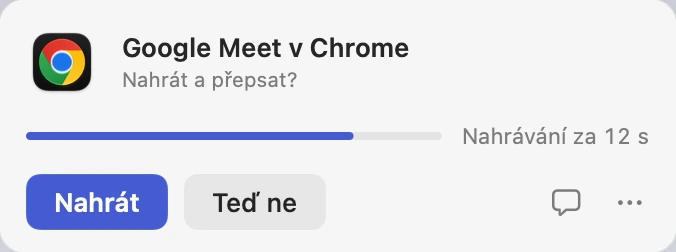
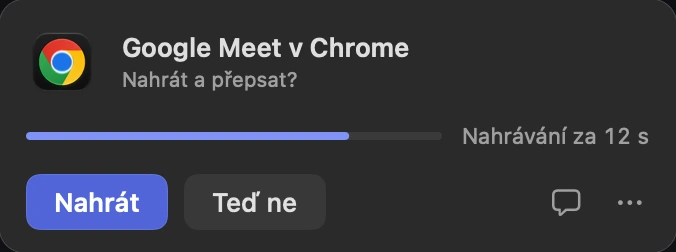
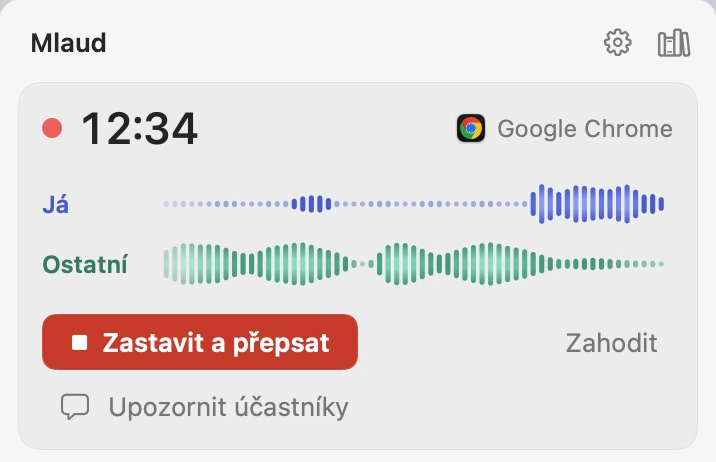
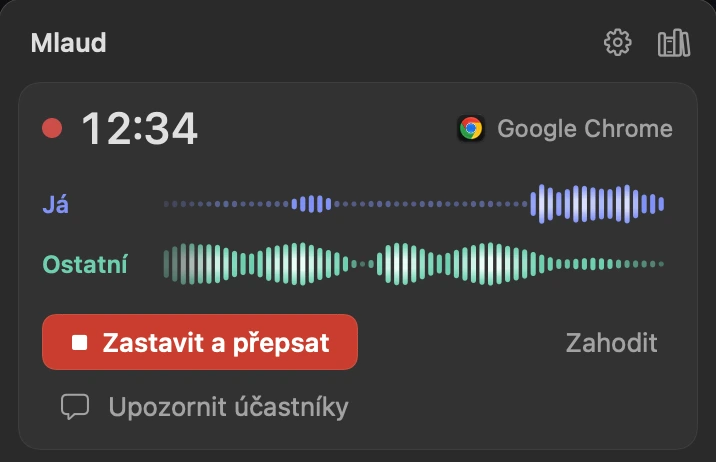
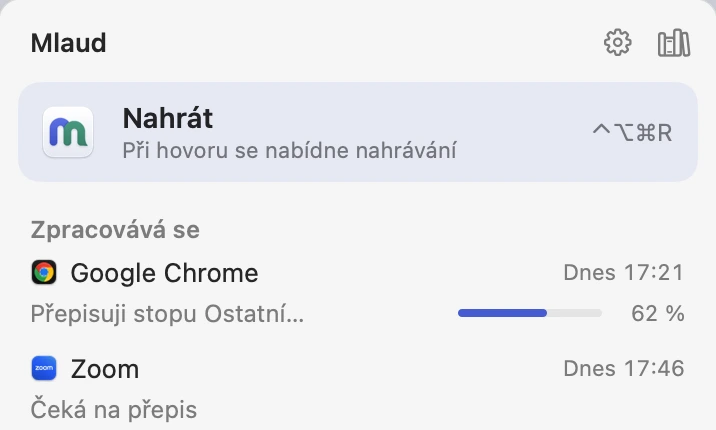
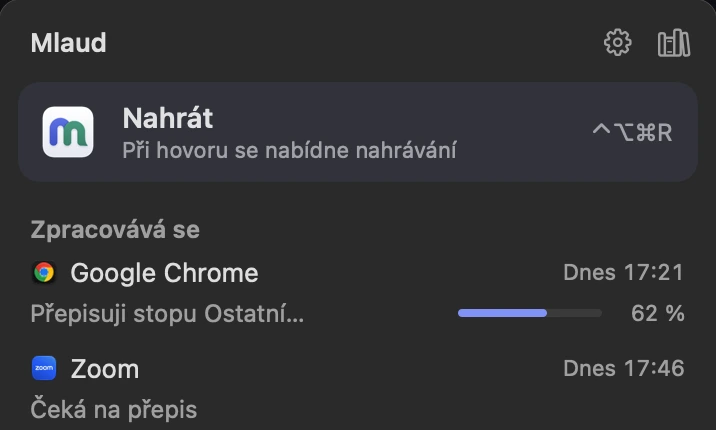
Mlaud spots the meeting and asks whether to record. One click does it, or set it to record straight away.
Nothing to sort
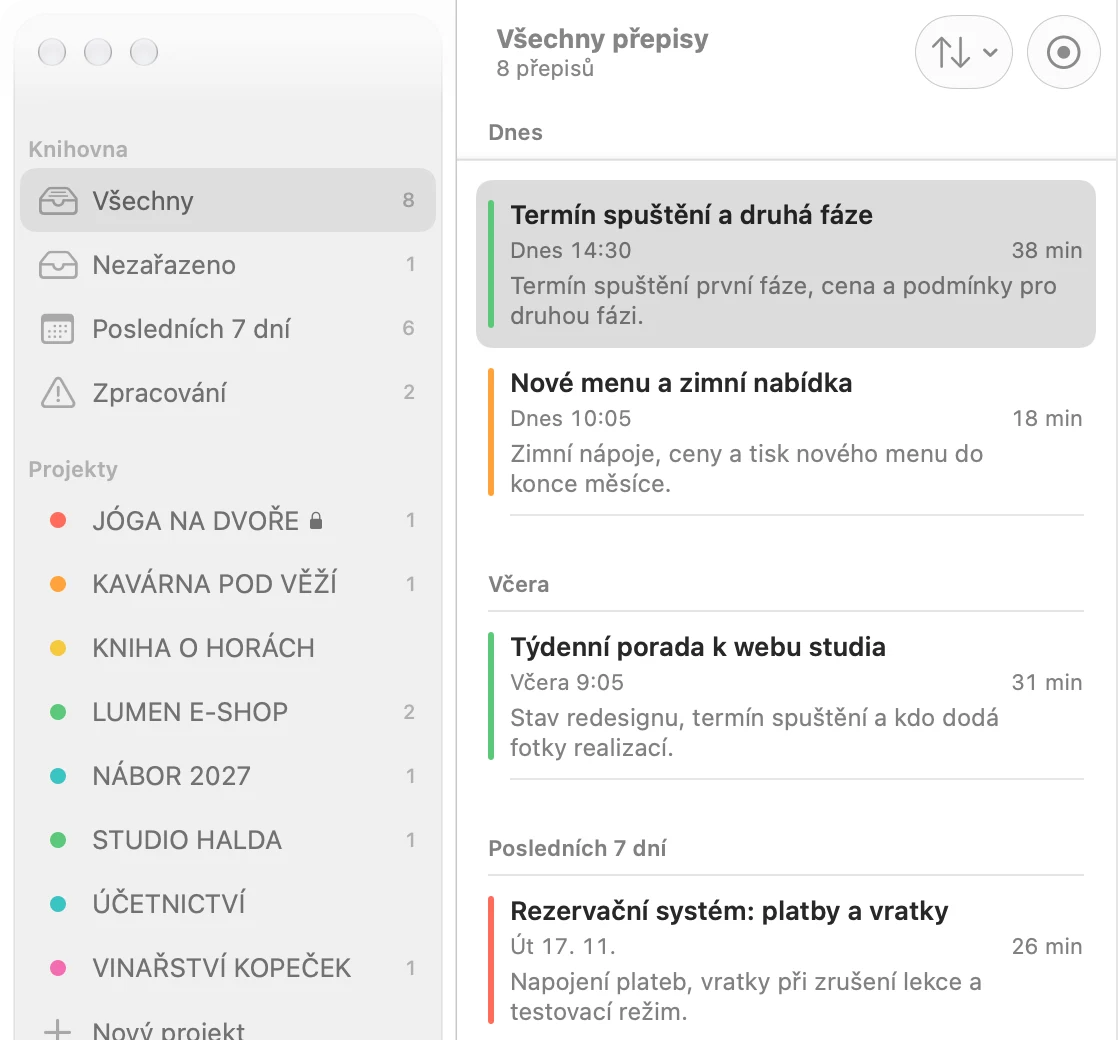
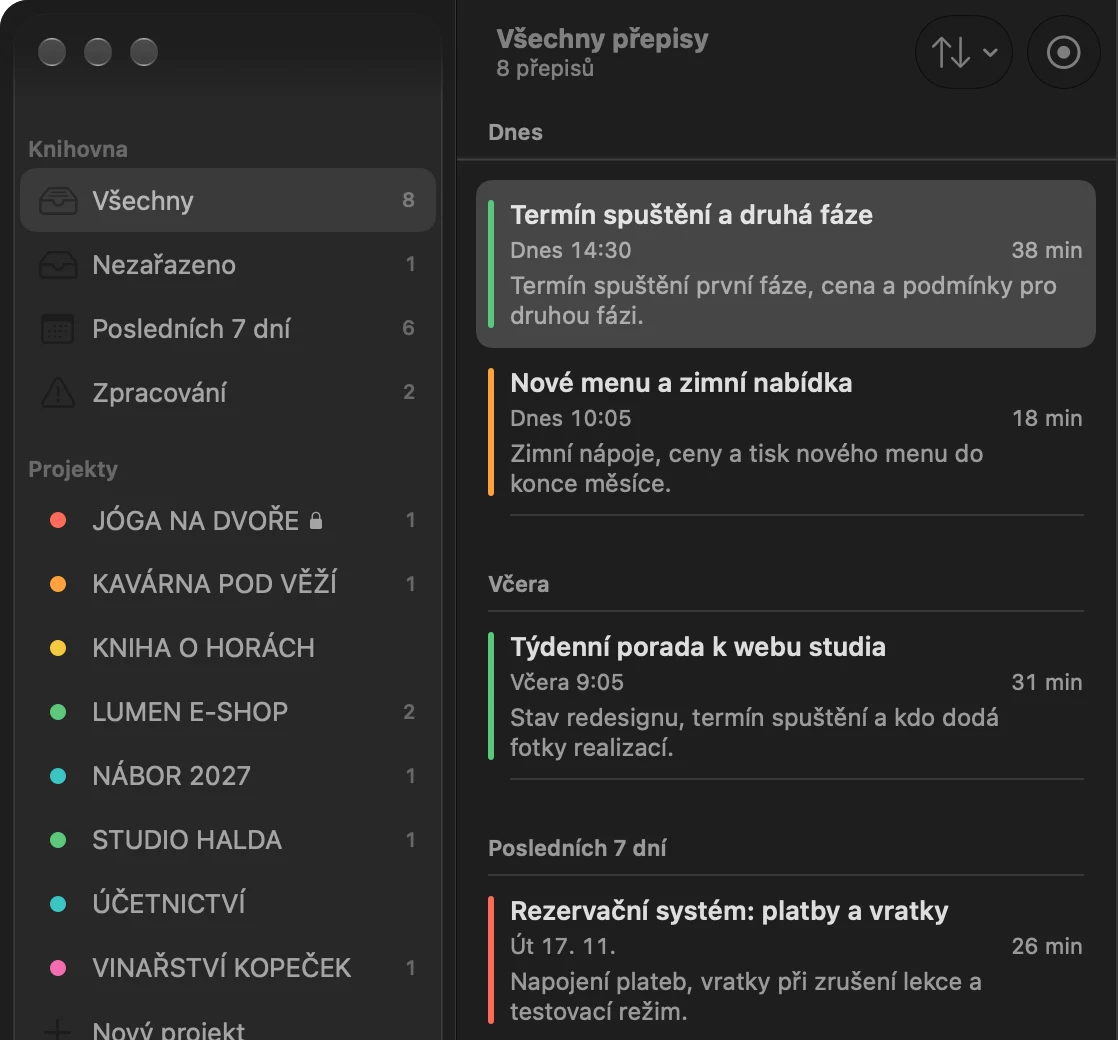
Set up projects, say one per client. If you allow it, AI reads the text, names the transcript and files it in the right folder. Only the text and your project names go out, never the audio. Without AI, Mlaud files it by each project’s keywords.
No minute packs
Transcription runs on your Mac. Even long meetings won’t use up a balance of minutes.
Ask AI what was said in the meeting.
When does phase one need to go live?
By 14 March. Mark made phase two conditional on meeting that date.
Mark in the transcript If you launch by 14 March, we’ll take phase two as well.
You enable access
A connected AI app can find a meeting and read its transcript. It processes the text it reads under its own terms.
See who said what
Give speakers names in the transcript. Optional recognition of familiar voices is being tested in real meetings. Voice profiles stay on your Mac and you can delete them.
 AnthropicClaude Code
 OpenAI · Work / CodexChatGPT
What will you need to remember?
Consultants and agencies
What you and the client agreed on, word for word, with the time it was said.
Sales and recruiting
You give the meeting or the interview your full attention. The exact answers are there afterwards.
Product, research and UX
The user interview as it was said, not retold from your notes.
Journalists
Find the quote in the transcript by its timestamp and listen to it in the audio right away.
Bring your phone to the meeting.
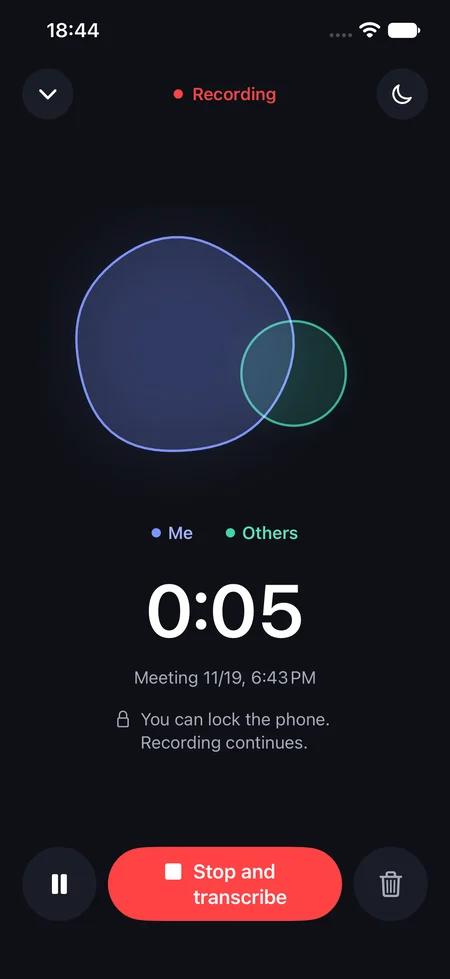
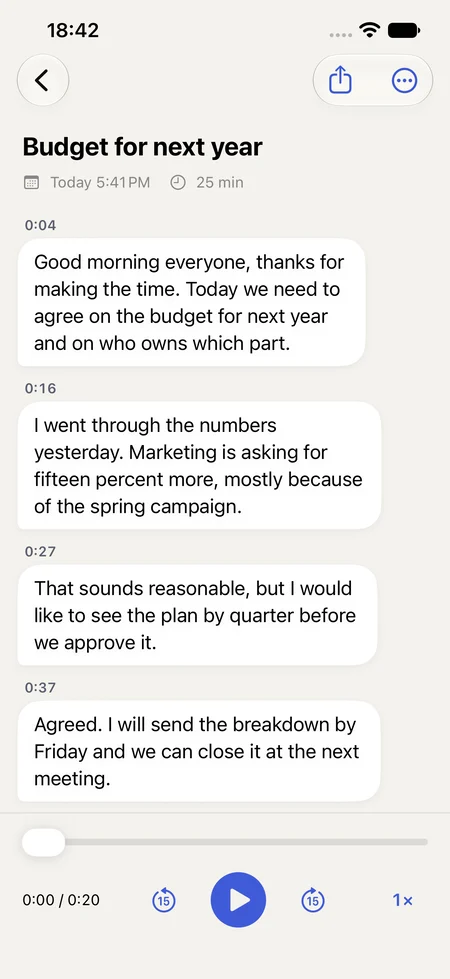
Put your phone on the table, tap Record and focus on the conversation. Read back what you agreed afterwards.
- iPhone
- Keep recording with the screen locked. Your iPhone creates the transcript on device and saves it in your library.
- Android
- Record a meeting or interview with the phone’s microphone. Revisit the transcript whenever you need to check an agreement.

How Mlaud came about
For a year I had my meetings transcribed almost every day. I recorded hundreds of them. What I liked most was that when a client was explaining something, I could just listen. I knew I could come back to it later.
One thing bothered me from the start, though. I talked to clients on my Mac and the app was on my Mac too, yet I still needed the maker’s device to record. On top of that I paid for transcription by the minute, and after every meeting I named the transcript and filed it under a project myself.
So I wrote Mlaud. When a meeting starts on my Mac, it offers to record. Afterwards it names the transcript and files it under the project. And when a month later I need to remind myself what I promised a client, I just ask Claude. It finds the answer right in our conversation.
Jan Šplíchalcreator of Mlaud
Pricing
Try all features for 14 days without an account. After the trial you can still record manually, transcribe and browse your library for free.
Free
€0
forever, even after the trial ends
- Recording you start by hand
- Transcription right on your Mac
- A library of all your transcripts
Mac subscription
€9 a month
or €99 a year
- Everything in the free version
- Spots a meeting and offers to record
- Names transcripts and files them into projects
- Connection to your AI app
- One person, up to 3 Macs
Choose your device
- Mac
For one person on up to 3 Macs with Apple silicon. A subscription adds meeting detection, cloud naming and AI connections.
Try Mlaud for Mac - iPhone
Keep recording with the screen locked. Your iPhone creates the transcript on device and saves it in your library.
Coming soon - Android
Record a meeting or interview with the phone’s microphone. Revisit the transcript whenever you need to check an agreement.
Coming soon - Windows
Online and in-person meetings. No date promised yet.
In the works
On your phone, Mlaud doesn’t record phone calls. Neither iOS nor Android lets apps do that. So your computer records online meetings, and the phone is for in-person ones.
Today Mlaud transcribes Czech only. English is planned.
Frequently asked questions
Didn’t find your answer? Write to us
Do the others have to agree to being recorded?
Always tell them beforehand. Mlaud doesn’t join the meeting, so the others get no notice of the recording and it’s on you to tell them. The rules differ by country and by what you use the recording for. In some places, such as Germany and several US states, everyone’s consent is required by law and recording without it is a crime. The safest option is to have everyone agree.
Where do the audio and the transcript stay?
On your Mac. The audio is recorded and transcribed right on it and isn’t sent anywhere. The transcript is a plain text file in a folder on your disk. For naming and filing it under a project, only the text of the transcript goes out, along with your project names, and only if you allow it. If you connect an AI app to your transcripts (tested with Claude Code), that app reads them and its own rules apply from there.
Which meeting apps does it work with?
Mlaud recognises meetings on your Mac in Google Meet, Zoom, Microsoft Teams, FaceTime, WhatsApp and Slack. It can also detect browser meetings, for example in Google Meet. If it ever doesn’t pop up, you click Record in the menu bar. You record an in-person meeting the same way.
Which languages does it transcribe?
Czech today. English is planned; we’re not promising other languages yet.
What if something is transcribed wrong?
The transcript is your own text file, so you open it and fix it. As long as you have the audio (60 days by default), you can play that moment in the app and have the meeting transcribed again. Names, companies and technical terms go into a dictionary, so they’re more likely to come out right next time.
Which devices can I record on?
Use your Mac for online and in-person meetings. On iPhone and Android, use the microphone to record face-to-face conversations. The Windows app is in development.
What happens if I cancel my subscription?
At the end of the paid period you can still record manually, transcribe and open all your saved transcripts. The subscription adds automatic meeting detection, cloud naming and AI connections.
No more taking notes in your next meeting.
Download Mlaud and record it. Try everything free for the first 14 days, no account needed.